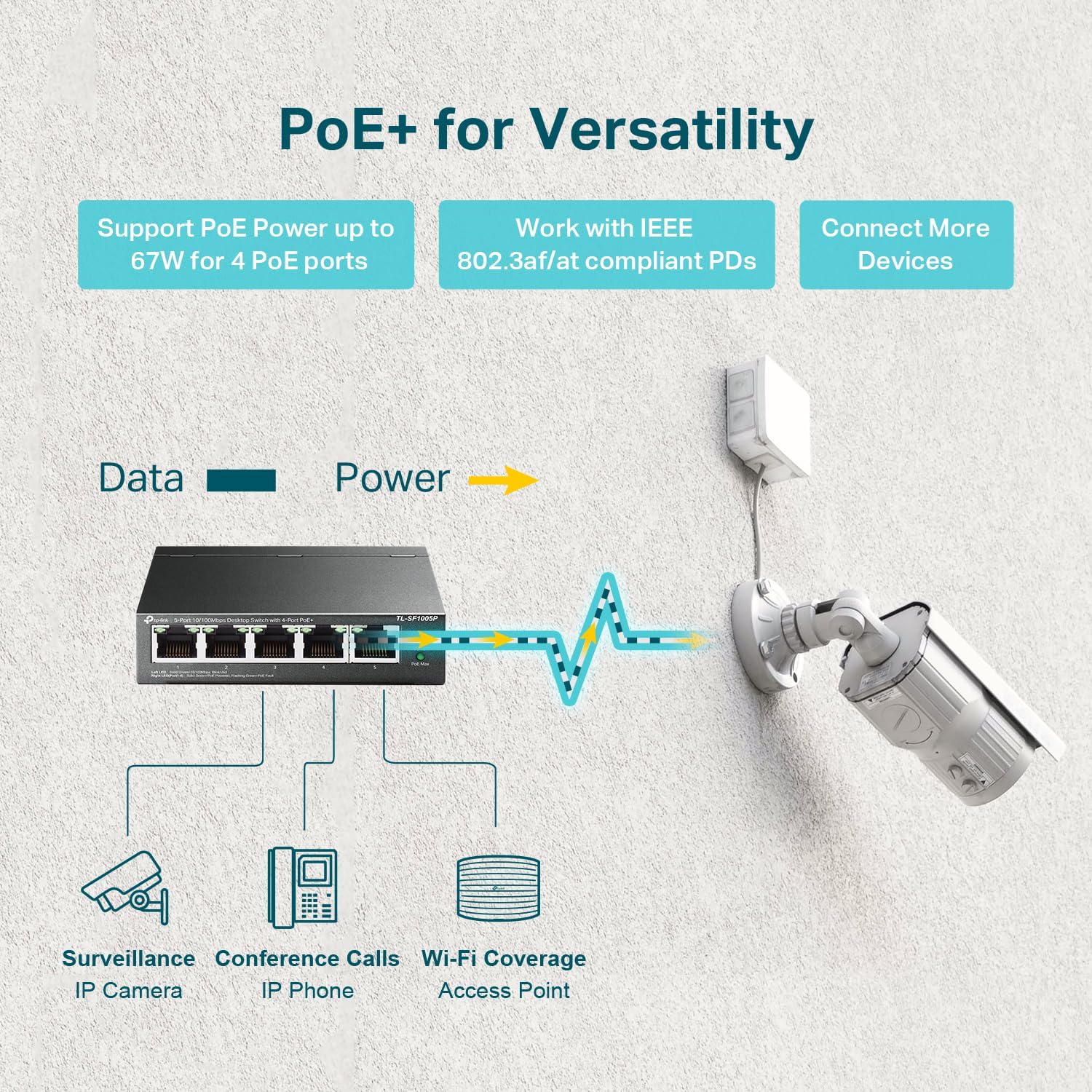
Imagine you’ve just finished a camera install — eight IP cameras wired neatly back to a shiny new PoE switch, everything looks perfect. Then, forty-five minutes after you power on, two cameras go dark. You reboot them, they come back up, and an hour later they drop again. No fault lights, no obvious errors. The culprit is almost always the same thing: a power budget problem on the switch. PoE stands for Power over Ethernet — it’s the technology that lets a single network cable carry both data and electrical power to a camera, eliminating the need for a separate power supply at each camera location. Every PoE switch has a total power budget, measured in watts, that it can share across all its ports. When your cameras collectively demand more watts than the switch can deliver, it starts throttling or dropping power to whoever drew the short straw. That intermittent brownout — the ghost reboot — is the result. This guide walks you through the math so you size the switch right the first time.
| EDITOR'S PICK[TP-Link TL-SG1428PE 24 Port Gig…](https://www.amazon.com/dp/B08J9ZC6J5?tag=greenflower20-20) | Mid-tier[Yuanley 24 Port PoE Switch with…](https://www.amazon.com/dp/B082KNP2Y6?tag=greenflower20-20) | Budget pick[TP-Link TL-SG1005P](https://www.amazon.com/dp/B076HZFY3F?tag=greenflower20-20) | |
|---|---|---|---|
| PoE Ports | 24 | 24 | 4 |
| PoE Budget | 250W | 400W | 65W |
| Management | ✓ | ✗ | ✗ |
| Price | $179.99 | $109.98 | $39.99 |
| See on Amazon → | See on Amazon → | See on Amazon → |
The Three PoE Standards You’ll Actually Encounter
Before you can do the math, you need to know which flavor of PoE your cameras require. The IEEE (Institute of Electrical and Electronics Engineers) has standardized three tiers that are now essentially universal in the industry:
IEEE 802.3af (PoE) — The original standard, ratified in 2003. Delivers up to 15.4 W per port at the switch, but only 12.95 W is guaranteed to arrive at the device after cable losses. Budget cameras, basic bullet cams, and most fixed-lens models at the entry level sit comfortably in this range.
IEEE 802.3at (PoE+) — The workhorse of the industry. Delivers up to 30 W per port at the switch, with 25.5 W arriving at the device. PTZ cameras with motors, IR illuminators, and cameras with onboard edge storage typically require PoE+. The Axis P-series and most Hanwha Q-series mid-range models are spec’d for this tier, per their published datasheets.
IEEE 802.3bt (PoE++, also called 4PPoE) — The heavy-duty tier, ratified in 2018. Type 3 delivers up to 60 W per port; Type 4 goes up to 90 W. Multi-sensor panoramic cameras, integrated camera/speaker combos, and edge AI cameras with active heating elements for outdoor enclosures often land here.
Quick cheat sheet:
- 802.3af → up to 15.4 W at switch / 12.95 W at device
- 802.3at → up to 30 W at switch / 25.5 W at device
- 802.3bt Type 3 → up to 60 W at switch / 51 W at device
- 802.3bt Type 4 → up to 90 W at switch / 71.3 W at device
The gap between “at the switch” and “at the device” is cable loss, and it matters for long cable runs. Per the IEEE 802.3bt standard documentation, the spec assumes a maximum cable length of 100 meters (328 feet). Runs approaching that limit eat more of the headroom, especially on PoE++ devices.
The Core Calculation: Power Budget Math Step by Step
Here’s the mental model that experienced integrators use on every job. It has four steps.
Step 1: Pull the Per-Camera Wattage From the Datasheet
Every reputable camera manufacturer publishes a maximum power consumption figure in watts on the product datasheet. This is not a nominal or typical figure — it’s the ceiling the camera can draw under full load: IR LEDs at maximum range, heater active, optical zoom motor running, all at once. If the datasheet only shows a current draw in milliamps (mA) at a given voltage, convert it: Watts = Volts × Amps. For a 802.3at device, that’s typically 48 V × draw in amps.
Use the maximum number, not the “typical” or “idle” number. Cameras don’t stay idle.
Step 2: Add a Per-Port Buffer
Even if the switch is rated at 30 W per port, the camera’s demand can spike briefly above its steady-state draw during boot, during IR activation in a sudden lighting change, or during a PTZ move. A practical rule used by integrators — and noted in Cisco’s Small Business PoE Planning Guide — is to add a 20% buffer to each device’s max draw before summing the total.
So a camera rated at 20 W max becomes 24 W in your planning model.
Step 3: Sum the Total and Compare to the Switch Budget
Add up all the buffered per-camera watts. That’s your required power budget. Compare it to the switch’s published total power budget, which is different from — and almost always lower than — the sum of all port maximums.
This is the trap that burns new installers. A 16-port PoE+ switch with 30 W per port might seem to offer 480 W total. But the actual switch budget is often 185 W or 250 W. Why? Because the switch manufacturer knows no real-world install maxes every port simultaneously and designs the power supply accordingly. Always check the switch’s total PoE power budget in the spec sheet, not just the per-port figure.
Step 4: Apply a Final System Headroom Buffer
Your project will grow. Cameras get upgraded to higher-wattage models. A client adds a PTZ in year two. The professional practice is to target no more than 80% utilization of the switch’s total power budget at the time of initial install.
By the numbers — example 8-camera deployment:
| Camera Model Type | Qty | Max Draw (W) | +20% Buffer (W) | Subtotal (W) |
|---|---|---|---|---|
| Fixed bullet, PoE+ | 6 | 15.4 W | 18.5 W | 111 W |
| PTZ, PoE+ | 1 | 25.5 W | 30.6 W | 31 W |
| Multi-sensor panoramic, PoE++ | 1 | 50 W | 60 W | 60 W |
| Total required | 202 W |
At 80% utilization ceiling: you need a switch with a total PoE budget of at least 252 W. A 250 W switch is borderline; a 370 W switch gives you comfortable headroom.
Matching Switch Budget to Common Deployment Scales
Understanding the math is one thing; knowing which switches to actually consider at each project scale is where it becomes actionable.
Small Commercial (4–8 Cameras, All PoE+)
For a single-site deployment — a small retail store, a medical office, a small school building — where all cameras are standard PoE+ fixed cameras, a managed 8-port switch with a 120–180 W total budget typically covers the job. Operators and integrators frequently note that managed switches (which let you set per-port power limits and see per-port draw) are worth the modest price premium over unmanaged switches even at this scale, because per-port power monitoring is your primary diagnostic tool when something goes wrong.
PCMag’s network switch coverage consistently highlights Netgear’s GS308EP and TP-Link’s TL-SG1008MP class as solid managed options at this tier, with published power budgets in the 120–180 W range.
Mid-Size Commercial (9–24 Cameras, Mixed PoE+/PoE++)
This is where most SMB integrator deals live. A 24-camera system mixing PTZs, panoramics, and fixed cameras can easily need 400–600 W of PoE budget. At this tier, the switch conversation changes: you’re now considering rack-mount managed switches from Cisco (Business series), Netgear (M4250 series), or Ubiquiti (UniFi Pro series), all of which publish total budgets in the 370–740 W range depending on the SKU.
The critical spec to verify is per-port PoE++ support. Not every port on a mixed switch supports 802.3bt — some switches allocate the high-wattage ports to specific physical positions, and the datasheet will note which ports are PoE++ capable. Per IPVM’s coverage of PoE switch deployments, mismatched port-to-standard assignments are a leading cause of “camera won’t power” support calls in the field.
Enterprise / Multi-Site (25+ Cameras Per Switch, Milestone/Genetec Deployments)
At the Milestone XProtect Corporate or Genetec Security Center scale, you’re typically working with an electrical contractor alongside the network engineer, and the switch is likely a chassis-based or modular managed switch with redundant power supplies. Here the math extends to include:
- Link aggregation (LAG) for uplink bandwidth, not just power
- Separate PoE injector midspans for outlier cameras that need more wattage than the switch port supports
- Switch clustering where a single logical management plane spans multiple physical switches in the same IDF closet
Security Sales & Integration’s reference guide on physical security cabling notes that enterprise deployments increasingly separate the PoE power plane (dedicated PoE switch) from the data uplink plane (fiber backbone) to isolate failure domains — a practice worth building into your design templates early.
The Traps That Bite Practitioners Mid-Deal
Non-standard proprietary PoE (“passive PoE”): Some camera vendors — and you’ll encounter this in certain budget-tier NVR bundles — ship cameras that use “passive PoE,” which applies voltage on the cable without the standard IEEE negotiation handshake. These cameras can be permanently damaged if connected to a standards-compliant PoE+ port, which may apply a different voltage. Always confirm the PoE standard before mixing vendor ecosystems.
Total budget vs. per-port budget confusion in vendor quotes: When a vendor quotes you a “24-port PoE+ switch,” that phrase tells you the per-port standard, not the total budget. Two switches that are both “24-port PoE+” can have total budgets of 185 W and 740 W respectively. This discrepancy appears frequently in competitive bidding. Always specify the total power budget by wattage in your RFP, not just the port count and standard.
Long cable runs eroding delivered wattage: The IEEE spec guarantees delivered power only up to 100 meters on Cat5e or Cat6. Runs approaching 90–100 meters to outdoor cameras in cold climates — where the camera’s heater is active — are the conditions most likely to trigger marginal power failures. For runs above 75 meters to a high-draw camera, consider a PoE extender or a local PoE injector fed by a shorter home-run.
Switch firmware and power management interactions: Several managed switch platforms have firmware-level power management that will actively throttle or cut power to ports to protect the power supply during high-load events. This is a feature, not a bug — but if it’s misconfigured or set to default priorities, it may cut your most critical camera first. Per Cisco’s Small Business PoE Planning Guide, setting port priority (critical/high/low) in the switch firmware is a configuration step that should be part of every managed install checklist.
The Decision Rule
Here’s the if/then frame for your current deal:
- If all cameras are standard fixed PoE+ (≤25 W each) and the total port count is 8 or fewer → a managed 8-port switch with a 185 W budget is sufficient; verify with the step 3 math above.
- If any camera requires PoE++ (PTZ with heater, panoramic, edge-AI model drawing 30–60 W) or port count exceeds 8 → size to a managed switch with a total budget at least 25% above your calculated sum, and confirm which physical ports support 802.3bt.
- If the total calculated requirement exceeds 400 W or there are more than 16 cameras on a single switch → move to a rack-mount managed switch with a redundant power supply option and document per-port draw in your as-built.
- If any run exceeds 75 meters to a high-draw camera → treat it as a separate PoE circuit with a local injector, not a port on the main switch.
The brownout is almost always preventable. The math takes fifteen minutes at the design stage and saves two service calls after installation.