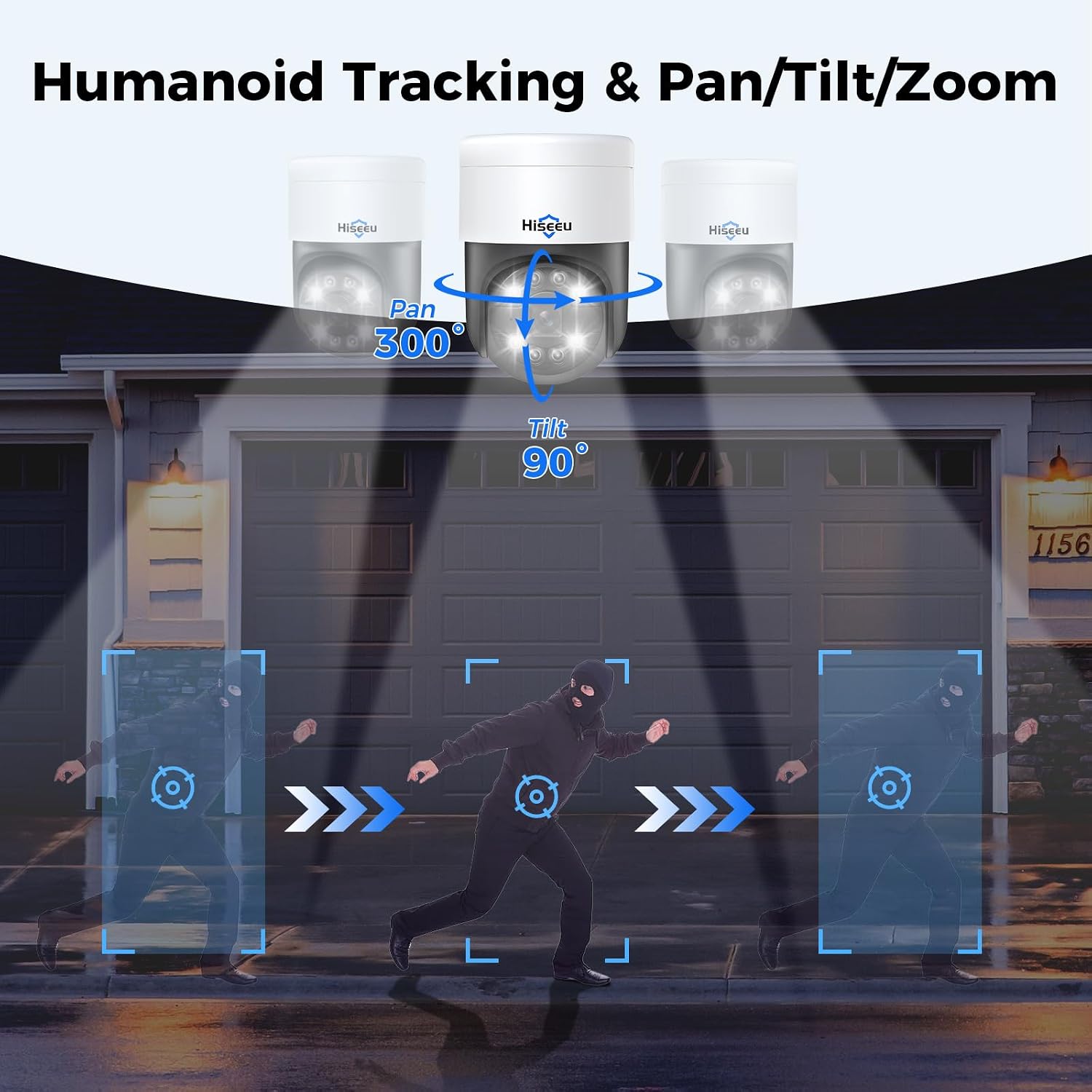
Imagine you’ve just taken on a mid-size retail or campus security project, and the client wants cameras that can “follow people automatically.” What they’re describing is a PTZ camera — short for Pan-Tilt-Zoom, meaning a camera that can rotate left-right, tilt up-down, and optically zoom in on a subject, all under software or AI control. When “auto-tracking” is added to the mix, the camera can lock onto a moving person or vehicle and follow them across a scene without anyone touching a joystick. It sounds like a slam-dunk feature. But before you quote it into a proposal, there are three variables that will make or break the deployment: how good the zoom actually is (optical vs. digital — they are not the same thing), how much electrical power the camera needs (which determines what your cable runs and switches can support), and whether the camera will fully cooperate with the video management software your client already runs or that you’re proposing. This guide walks through all three — with numbers, tradeoffs, and a structured comparison framework at the end.
Optical Zoom vs. Digital Zoom: The Spec That Actually Matters
This is the spec most clients misread, and it’s the one that will come back to haunt you at final acceptance testing.
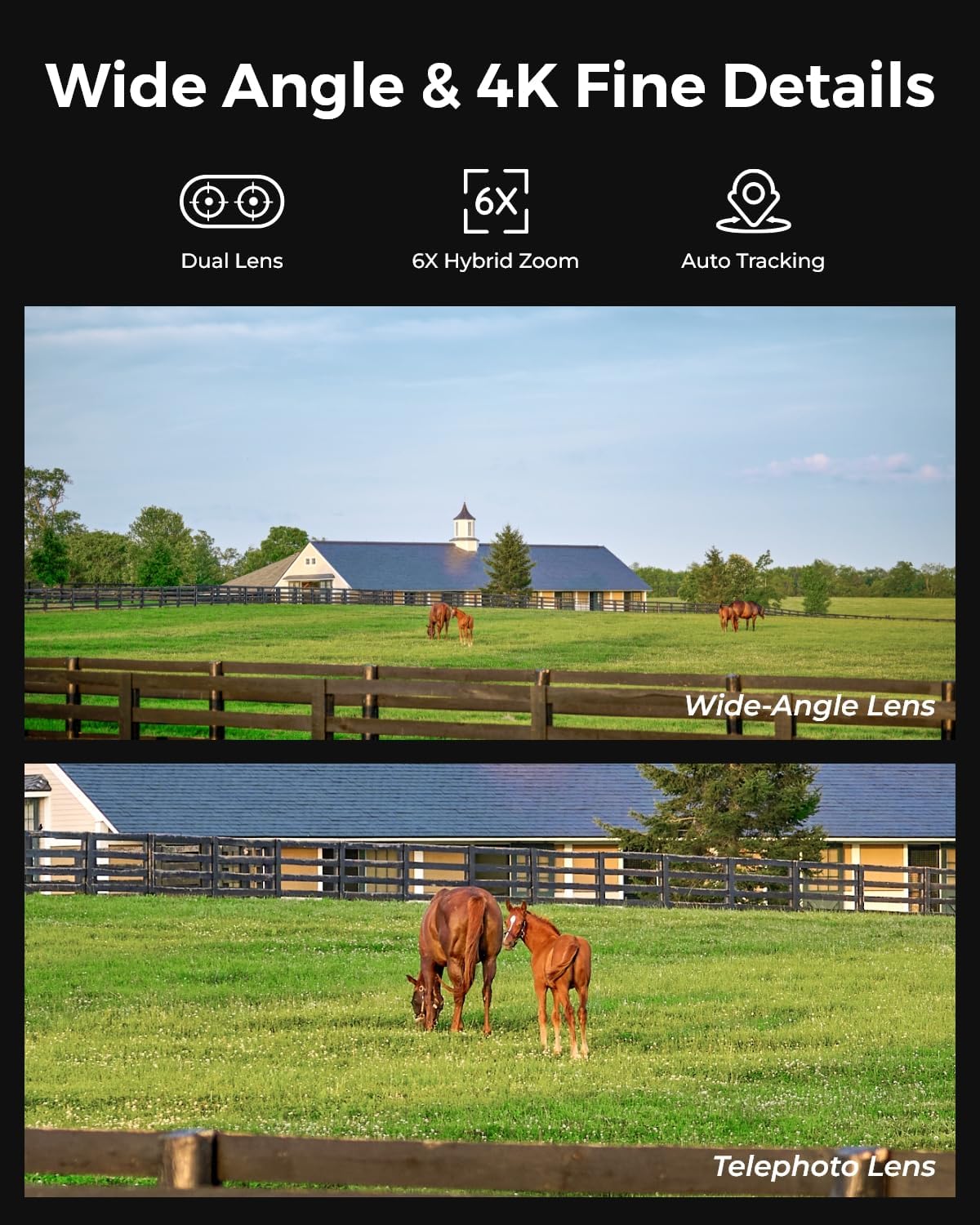
Optical zoom uses physical glass lens movement to magnify a subject. Image quality at 20× optical is essentially the same as at 1×, just closer. Digital zoom crops and enlarges the pixel grid — it’s software math, and it degrades image quality rapidly past 2–4×. A camera advertised as “30× zoom” that is actually 10× optical plus 3× digital is delivering 10× of usable zoom for forensic identification purposes. Know the difference before you write a spec.
For practical deployment decisions, here is how optical zoom ranges map to real-world coverage:
| Optical Zoom | Effective Recognition Distance | Typical Use Case |
|---|---|---|
| 10–12× | ~50–80 ft | Parking lot perimeter, retail floor |
| 20–25× | ~100–150 ft | Campus walkways, mid-size lots |
| 30–36× | ~200–300 ft | Stadiums, airports, open perimeters |
| 40×+ | 400 ft+ | Critical infrastructure, ports |
Recognition distance estimates are derived from manufacturer specification sheets published by Axis Communications (P-Series PTZ Product Specification Sheets, 2025) and Hanwha Vision (Q-Series Technical Datasheet, 2024), cross-referenced against benchmark testing methodology described in IPVM’s PTZ Camera Performance Report, 2025. Actual performance depends on lighting, scene contrast, and lens quality.
For most SMB and mid-market deployments — think a 10-acre distribution center or a multi-building corporate campus — a 20–25× optical PTZ is the workhorse range. You get strong recognition distance, manageable lens cost, and broad VMS driver support. The 30×+ range is where you start paying exponentially more per unit and where auto-tracking latency becomes more noticeable because the lens travel distance is longer.
Auto-tracking and zoom interact directly. When auto-tracking is active, most AI-based systems continuously adjust zoom level to keep the target subject at a calibrated pixel height in the frame — large enough for recognition, small enough to maintain tracking if the target changes direction. This means the camera’s zoom motor is running constantly during a tracking event. Axis Communications’ P-Series PTZ Product Specification Sheets (2025) confirm that the P5676-E is rated for continuous pan-tilt operation in 24/7 environments, though individual duty-cycle ratings for zoom motors are not always broken out separately in manufacturer documentation. Motor wear in high-cycle installations is a lifecycle concern worth surfacing with clients before the warranty conversation happens at year two.
PoE Power Draw: The Variable That Breaks Switches
This is where proposals quietly go over budget or fail post-install.
PoE stands for Power over Ethernet — it’s the technology that lets a single Cat6 cable carry both data and electrical power to a camera, eliminating a separate power supply at each camera location. Standard PoE (IEEE 802.3af) delivers up to 15.4 W per port. PoE+ (IEEE 802.3at) delivers up to 30 W. PoE++ (IEEE 802.3bt) delivers up to 60 W or 90 W depending on type.
Here is the problem: most PTZ cameras with auto-tracking, a high-magnification zoom motor, an IR illuminator, a built-in heater for outdoor cold-climate installs, and an onboard AI processor for tracking do not fit in the 15.4 W envelope. Many do not fit in 30 W. Security Sales & Integration’s Auto-Tracking PTZ Roundup (March 2025) noted that several leading PTZ units with full auto-tracking and IR illumination enabled simultaneously can draw 35–55 W — squarely in 802.3bt territory.
Why this matters for your deal:
- If your client already has an installed PoE switch infrastructure rated for 802.3at (30 W), adding 802.3bt PTZs means switch replacement or supplemental midspan injectors. That is a line item you need to surface in scope.
- PoE budgets are cumulative. A 24-port switch with a 370 W total PoE budget feeding eight 45 W PTZs is already at 360 W — one camera away from brownout behavior on the entire switch.
- In cold-climate installations, internal camera heaters typically activate below approximately 0°C and add 5–15 W to draw. Hanwha Vision’s Q-Series Technical Datasheet (2024) notes that heater activation is automatic and cannot be disabled remotely in most firmware versions.
Power class reference by camera category:
- IEEE 802.3af (PoE): max 15.4 W per port — fixed dome, entry PTZ without IR or heater only
- IEEE 802.3at (PoE+): max 30 W per port — mid-range PTZ with IR, no heater
- IEEE 802.3bt Type 3: max 60 W per port — full-featured PTZ with IR, heater, AI tracking enabled simultaneously
- IEEE 802.3bt Type 4: max 90 W per port — high-end PTZ or PTZ-plus-accessory combinations
The decision rule here is straightforward: pull the camera’s datasheet maximum power consumption figure (not “typical”), add 10–15% headroom, and compare against your switch’s per-port and total budget capacity. If you are speccing a new switch anyway, 802.3bt is worth the marginal cost premium to future-proof. If you are working into existing infrastructure, the conversation with the client about switch replacement needs to happen before the contract is signed — not at commissioning.
VMS Compatibility: Where Auto-Tracking Either Works or Doesn’t
This is the integration variable that practitioners underestimate most consistently, and it is where deals can quietly sour post-install.
Auto-tracking in modern PTZ cameras is implemented in one of two ways: onboard AI tracking (the camera itself detects and follows targets, and the VMS just receives video), or VMS-driven tracking (the VMS platform runs the detection algorithms and sends PTZ move commands to the camera). The distinction matters enormously for compatibility planning.
Onboard AI tracking is more plug-and-play from a VMS perspective. Because the tracking logic lives in the camera firmware, the VMS only needs a standard RTSP stream and basic PTZ control commands — which nearly any ONVIF-compliant platform can handle. ONVIF (Open Network Video Interface Forum) is the industry’s interoperability protocol; if a camera is ONVIF Profile S or T compliant and your VMS supports ONVIF, basic PTZ control will function. Auto-tracking behavior, however, is configured in the camera’s own web interface or proprietary app, not inside the VMS. This limits your ability to log tracking events, correlate tracking data with access control systems, or set up cross-camera handoff rules from within a single VMS dashboard.
VMS-driven tracking unlocks deeper functionality — multi-camera subject handoff, tracking event logging, alarm-triggered zoom presets — but requires a native driver or certified integration. Milestone Systems’ XProtect Compatibility Matrix (2025) confirms native driver support for advanced PTZ auto-tracking features (as distinct from basic ONVIF PTZ) for select Axis P-series, Hanwha Q-series, and Bosch AutoDome models, with feature sets that vary by driver version. Security Sales & Integration has reported that features listed as “supported” in compatibility matrices sometimes refer to a minimum ONVIF subset rather than full feature parity — requesting a sandbox test license before finalizing camera selection on a Milestone or Genetec deployment is consistently good practice.
Tier-by-Tier Comparison: Which PTZ Auto-Tracking Setup Fits Your Project
The right answer depends on budget, existing infrastructure, and VMS environment. Here is how the tiers break down.
Budget Segment: Onboard-AI PTZ for SMB Perpetual-License VMS
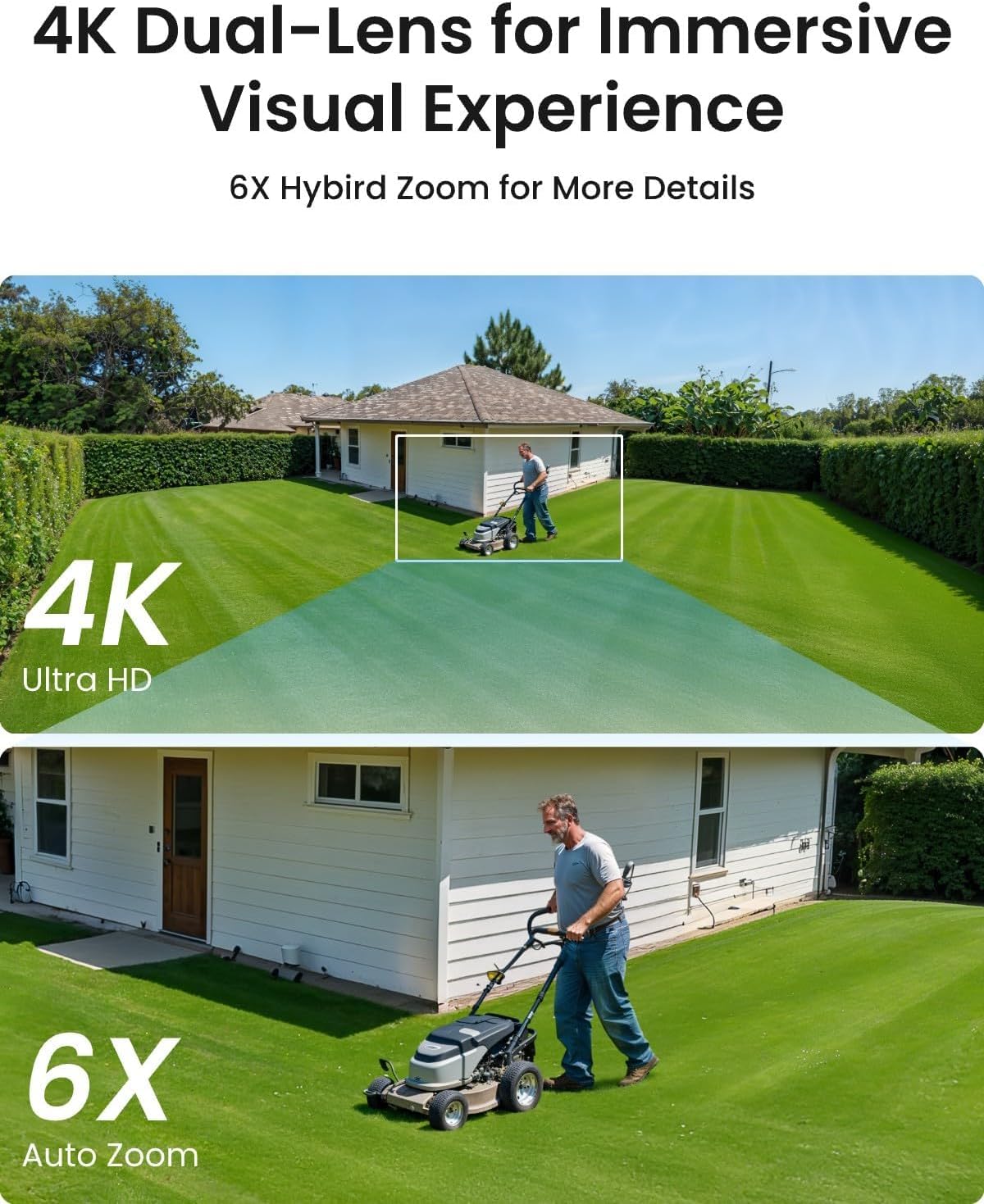
For clients running Blue Iris or SecuritySpy — the perpetual-license Windows and macOS platforms popular in the SMB segment — VMS-driven AI tracking is limited by design. These platforms handle PTZ presets and basic move commands well, but the algorithmic heavy lifting for auto-tracking needs to live in the camera. In this segment, specify cameras with strong onboard tracking firmware. Hikvision’s PTZ AcuSense line and Reolink’s PTZ series are frequently cited by operators and reviewers, including coverage in IPVM’s PTZ Camera Performance Report (2025), for onboard tracking that functions reliably without deep VMS driver integration. Most onboard-AI PTZs in this price segment fall in the 30–45 W draw range, which fits comfortably on 802.3at (PoE+) switches — a meaningful infrastructure advantage for clients who are not ready to replace switch hardware. Optical zoom in this tier typically runs 10–20×, appropriate for retail floors and small parking lots up to roughly 100 ft recognition distance.
REOLINK
$132.99
In stock on Amazon
Check price on AmazonMid-Tier Segment: Full-Featured PTZ with Native VMS Driver Support
For clients on Milestone XProtect Professional or equivalent mid-market VMS platforms who want reliable auto-tracking with event logging but are not running full enterprise cross-camera handoff, the mid-tier is the right frame. Hanwha Vision’s XNP-6400RW and comparable Q-series units offer verified ONVIF Profile T compliance with documented native driver support in Milestone’s compatibility matrix. Optical zoom in the 25× range covers campus walkways and mid-size lots comfortably. Power draw with IR and AI tracking enabled typically falls in the 40–50 W range, requiring 802.3bt Type 3 infrastructure per IEEE 802.3bt standard documentation — factor switch upgrade costs into the proposal if the site survey reveals existing 802.3at hardware. IPVM’s PTZ Camera Performance Report (2025) rates units in this class well for tracking latency and re-acquisition speed after target occlusion.
REOLINK
$195.99
In stock on Amazon
Check price on AmazonPremium Segment: Enterprise PTZ with Cross-Camera Handoff and Full VMS Integration
For clients on Milestone XProtect Corporate or Genetec Security Center who need VMS-driven multi-camera subject handoff, tracking event logging tied to access control, and the recognition distances required for stadium, airport, or critical infrastructure perimeters, the premium tier is non-negotiable. Axis Communications’ P5676-E (rated for continuous 24/7 pan-tilt operation per Axis P-Series PTZ Product Specification Sheets, 2025) and Bosch’s AutoDome 7000i both carry native driver support in Milestone’s 2025 XProtect Compatibility Matrix with verified event integration beyond basic ONVIF. Optical zoom at 32–36× delivers recognition distances at 200–300 ft, appropriate for open perimeters where the site geometry justifies the specification. Power draw at full load — IR, heater, AI processor, zoom motor active simultaneously — can reach 55–60 W; 802.3bt Type 3 switching is a hard requirement, and per-port and aggregate switch budget calculations must be completed before ordering. The cost delta between a 25× mid-tier unit and a 36× premium unit from a tier-one manufacturer typically runs $400–$1,200 per camera; across 10–20 cameras, that is a meaningful line item that requires clear site-geometry justification, not a client preference for “better zoom.”
[300°Pan
$299.99
In stock on Amazon
Check price on AmazonThe Decision Frame: Applying the Right Tier to Your Deal
If the client is on a cloud SaaS VMS platform such as Eagle Eye Networks, verify auto-tracking support explicitly with the vendor’s sales engineer before speccing hardware. As reported by Security Sales & Integration in their March 2025 PTZ roundup, cloud VMS vendors often maintain short approved hardware lists, and speccing outside that list creates either unsupported feature gaps or full hardware replacement costs — neither of which surfaces gracefully at go-live.
For every PTZ auto-tracking deployment regardless of tier: pull the camera datasheet maximum power consumption figure (not the “typical” number), add 10–15% headroom, and confirm both per-port and aggregate switch budget before the proposal goes out. Confirm VMS driver version compatibility — not just presence on a compatibility list — against the specific VMS version your client runs. And if optical zoom range is still undecided, default to 20–25× for any deployment under a 200 ft recognition distance requirement. The three variables — optical zoom range, PoE power class, and VMS integration depth — are all deterministic if you pull the right datasheets and verify integration before the deal closes rather than after.